
Build on EXADS
Everything your technical team needs to integrate, automate and extend your ad serving platform, from REST APIs and RTB integrations to an MCP server for AI assistants.
Where to start

APIs
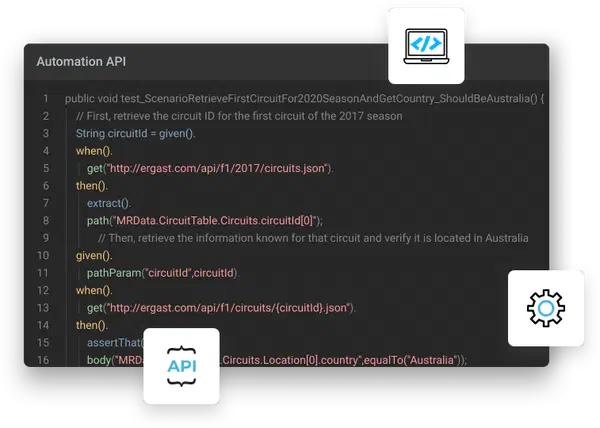
Automate every feature of your Network Admin Panel, from creating users and campaigns to generating detailed statistics reports.
MCP Server (opens in a new tab)
Connect AI assistants like Claude, ChatGPT and Cursor to an EXADS account to query statistics and manage campaigns, sites and zones in plain language.
Documentation (opens in a new tab)
Guides for advertisers, publishers and network admins, plus the full API and RTB reference.
RTB and Header Bidding (opens in a new tab)
Connect demand and supply partners over OpenRTB, or add EXADS to your header bidding setup with Prebid.js.
Fluid Player
A free, open-source HTML5 video player with a lightweight design, built for websites that prioritize speed and performance.
Integrations and Apps
Payment, security, CRM and business intelligence providers that already work with your EXADS platform.
Three APIs, one platform
The EXADS APIs are RESTful and cover the platform end to end.
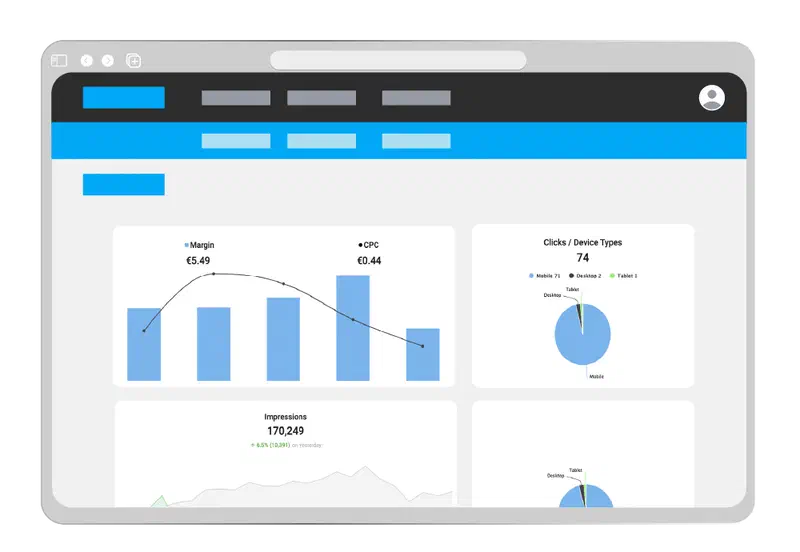
- Public API: automate platform actions for your advertiser and publisher clients, and pull global statistics into your own systems.
- Ad Placement API: request ads as JSON and render them your way, including Sponsored Listings on your sites and apps.
- Conversion Tracking API: track events and feed performance data into your CRM, analytics or internal business apps.
API quickstart
Serve your first ad in three steps with the Ad Placement API. Full API reference (opens in a new tab)
1. Request
POSTthe user and the zones to fill, as JSON, to/v1/api.phpon your network’s syndication domain. No JavaScript ad tags needed.{ "user": { "ua": "Mozilla/5.0 ...", "language": "en-US", "referer": "https://example.com/" }, "zones": [ { "id": 1234567 } ] }2. Response
EXADS returns the ad for each zone as JSON, with the creative, the click URL and an impression tracker.
{
  "zones": [{
    "idzone": 1234567,
    "type": "banner",
    "data": {
      "url": "https://.../click.php",
      "impression": "https://.../cimp.php",
      "image": "https://.../banner.png",
      "width": 300,
      "height": 250,
      "media": "img_banner"
    }
  }]
}
3. Place
Render the ad your way on your site or in your app, then load the
impressionURL so the impression is counted.
Manage EXADS with AI assistants
The EXADS MCP Server is built on the Model Context Protocol, an open standard that lets AI assistants work with external platforms. Any compatible assistant can connect in a few minutes. Read the announcement.
- Tested with Claude, ChatGPT and Cursor.
- You choose what the AI can do: Read, Write or No Access for each capability.
- Every change is summarized for you to confirm before it is applied, and all changes are logged.
- Same security as the Admin Panel: your usual login and 2FA.

Open source
AI Skills (opens in a new tab)
Ready-made skills that help AI assistants get more out of the EXADS MCP Server.Prebid.js adapter (opens in a new tab)
The EXADS adapter for Prebid.js, with example code for client-side header bidding.Fluid Player (opens in a new tab)
Our open-source video player, with VAST and VPAID support.
Have a technical question?
Get in touch and our experts will answer your questions about the platform.
Contact Us